Hi-Vis and Workwear Ordering Portal
Contractors, civil crews, transport and logistics fleets order their own gear on the company's account, with the job number already attached.
How it works for your clients
Thirty utes. One account. No arguments.
Each worker, on the company's account
Every worker signs in to their company's own portal and orders from the range set up for their role, on the company's account rather than their own card.A yearly allowance per worker, and a job number at checkout
Each worker has an allowance with a scheduled top-up, such as on their start-date anniversary, and carryover if you want it. The checkout field you rename to Job number (or Cost centre, or PO) travels with every order onto your production board.Every order by branch, with the job number on it
Your production board shows every order with the worker, their branch and the job number attached, so nobody has to type it in again once it lands.On account. The Xero invoice raises itself
Orders on account become a Xero invoice automatically on fulfilment if Xero is connected, against the branch's own Xero contact or the company's, whichever you have set.
What their store stocks
The product art below is the portal's own catalogue style, drawn to match the range this kind of client actually orders.

Hi-vis polo
Site crew

Cargo pants
Allowance item

Work boots
Sizes 6 to 14

Wet weather jacket
Winter issue
The rules that matter for this kind of client
Job number at checkout
Rename the purchase order field to Job number, Cost centre or whatever the client calls it, and make it required so it comes with every order.A yearly allowance per worker
Set an allowance per role or per person, with a bigger initial issue for new starters and a top-up on a schedule, such as the worker's start-date anniversary.Branch approval where it's wanted
Turn on manager approval for a branch that wants to sign off before an order ships, and leave it off for branches that don't.Embroidery detail on the board
A decoration option, such as a left chest logo, travels with the order onto the production board, so the detail is there before anyone has to ask.A whole crew by CSV import
Bring a new branch or crew on by importing staff, roles and contacts from a CSV instead of typing each worker in by hand.
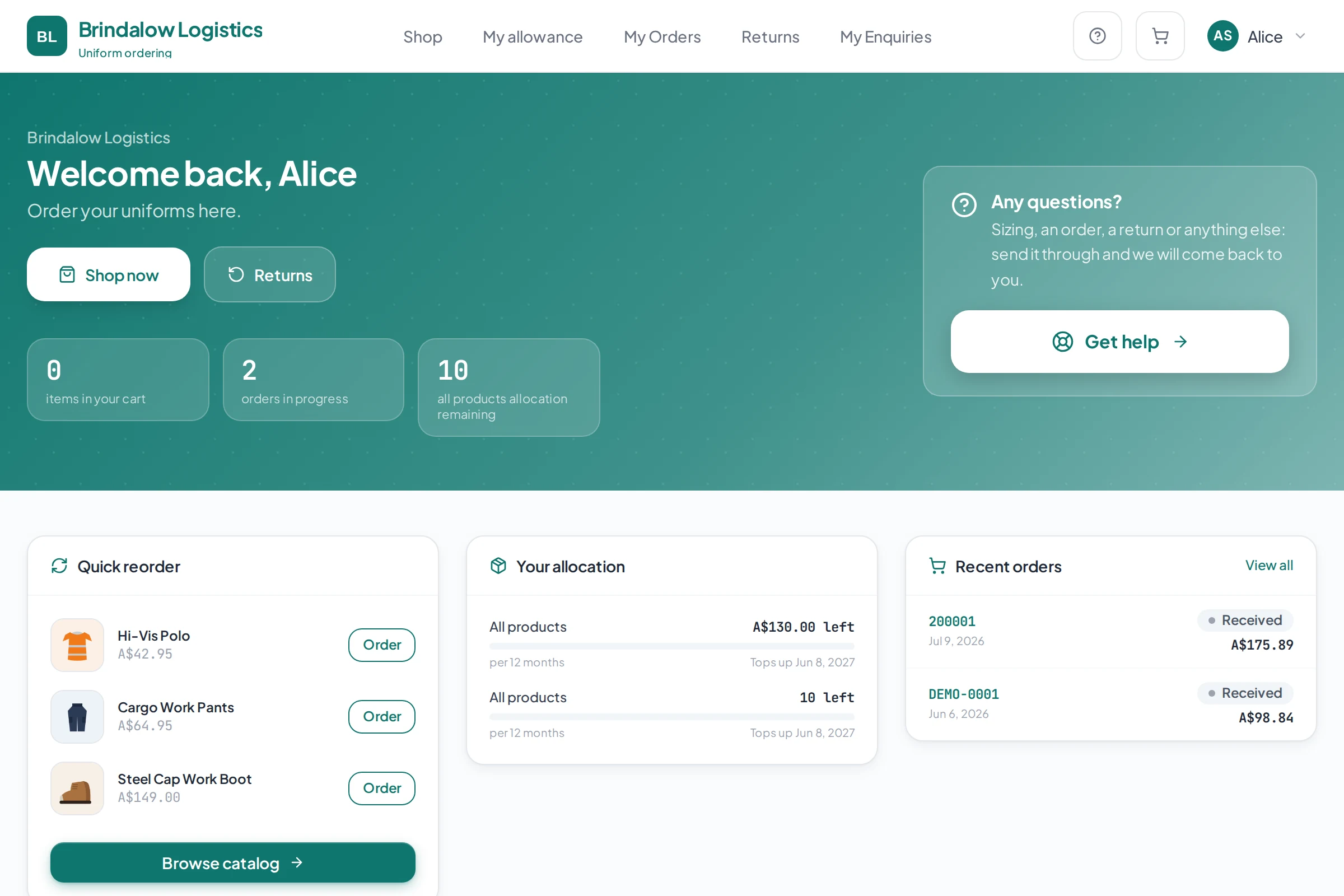
What their portal looks like
- A job number, cost centre or PO field, renamed and required
- A yearly allowance with a bigger first issue for new starters
- Approval per branch, only where you want it
- A Xero invoice on fulfilment, if Xero is connected
Before and after
Today someone phones the order in and the office pieces it together at month end. Here every order arrives with the worker, the branch and the job number already on it.
Frequently asked
Can every order carry a job number?
Yes. The checkout field can be renamed to Job number, Cost centre or PO, and it can be made required, so it travels with every order onto your production board.
Do new starters get a different allowance to everyone else?
Yes. Allowances support an initial issue as well as a scheduled top-up, so a new starter can get a bigger first issue than the annual amount everyone else receives.
Can a branch manager approve orders before they go out?
Yes. Approval can be switched on per branch, so a branch that wants a manager to sign off can have it while other branches order freely.
How do we bill different branches?
Xero invoicing can be set per branch, against that branch's own Xero contact or the company's, whichever matches how you already bill them.
What does pricing look like?
Pricing depends on how your business is set up, so it is quoted after a conversation rather than published as a number.
Built the same way for every kind of client
See it set up the way your clients order.
Tell us who you supply and how orders reach you today. We will walk you through a portal set up the way your clients order.