Corporate Uniform Ordering Portal
Every site orders from the same range under the same rules, with a bigger issue for new starters and a top-up after, and you see every branch from one login.
How it works for your clients
Forty sites. One look. Billed the way they want.
Staff at every site, each under their own role
Staff at every site order for themselves, from the range their role allows, all from the one catalogue set up for that company.A bigger first issue for new starters, then a yearly top-up
Allowances support a separate initial issue and a scheduled top-up, so a new starter's first order can be bigger than the annual amount everyone else gets.Every site's orders, top products and allowance use
Every branch's orders land on your board, and reporting shows sales over time, top products and allocation utilisation over whatever date range you choose.Per site or centrally, invoiced through Xero
Each branch can bill against its own Xero contact or the company's, so multi-site invoicing follows however the client already runs its accounts.
What their store stocks
The product art below is the portal's own catalogue style, drawn to match the range this kind of client actually orders.

Classic polo
Front of house

Stretch chino
All staff

Corporate dress
Front of house

Softshell jacket
Winter issue
The rules that matter for this kind of client
Branches per company
Set up a branch for every site, and mark any of them as a pickup location if a site prefers to collect rather than have deliveries sent out.Xero billing per branch
Override how a branch's orders are billed in Xero, against its own contact or the company's, so invoicing matches how the client is actually structured.Starter issue and a scheduled top-up
A new starter gets a bigger initial issue, then the same top-up schedule as everyone else, tracked with a readable history of why an allowance changed.Reporting over any date range
See sales over time, top products and allocation utilisation over a date range you choose, so you can see how each allowance is being used.CSV import for a new company
Set up a new multi-site client fast by importing companies, branches, roles and staff from a CSV, or duplicate a client you already run if the new one is similar.
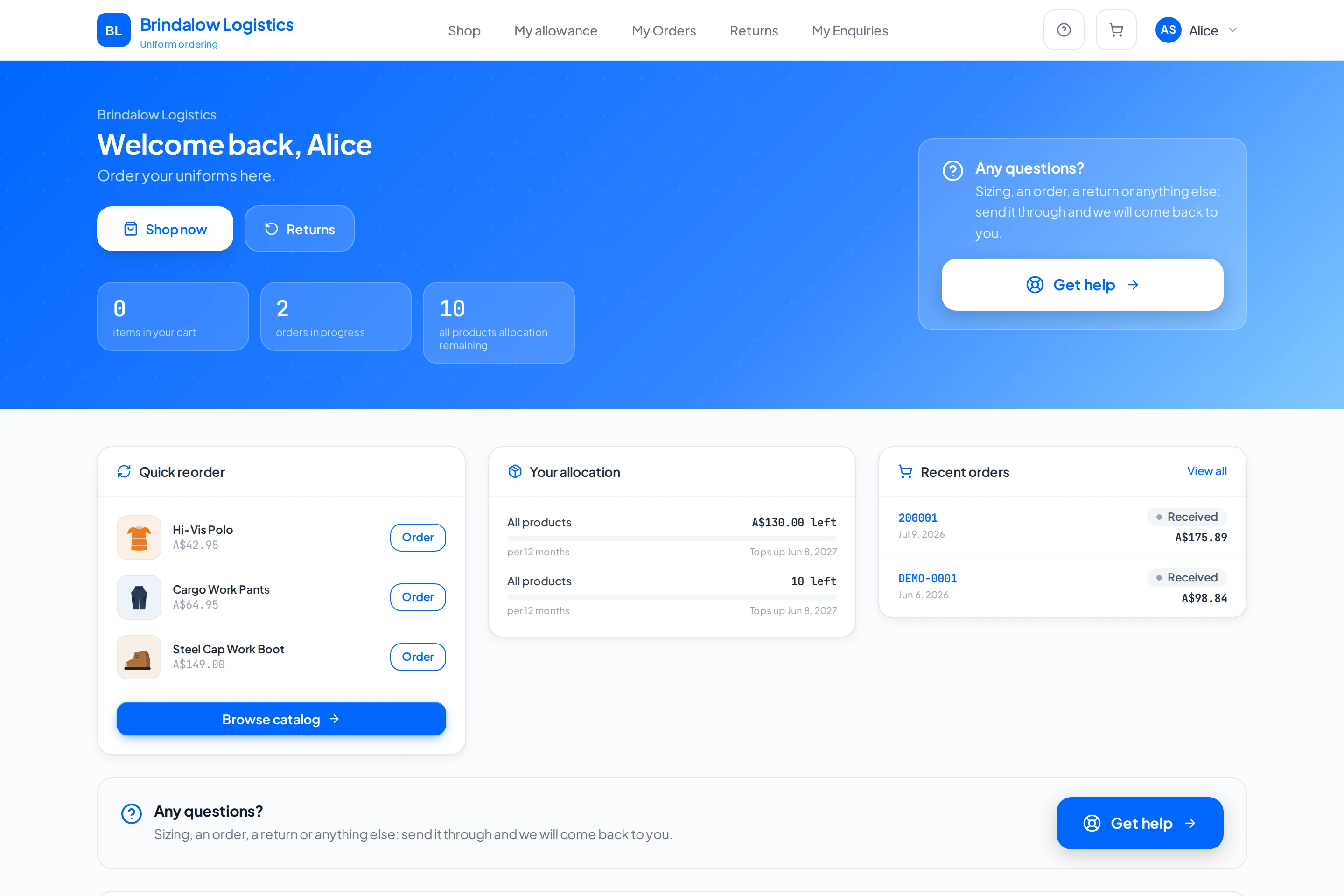
What their portal looks like
- A branch per site, with its own pickup and billing settings
- A bigger starter issue, then the same top-up as everyone else
- Reporting: sales over time, top products, allowance use
- Xero invoicing per branch or centrally
Before and after
Today every site orders its own way. Here every site orders from the same range under the same rules, and you see all of it from one login.
Frequently asked
Can each branch be billed differently in Xero?
Yes. A branch can be set to bill against its own Xero contact or the company's, so invoicing can match how the client actually runs it.
Do new starters get more than the yearly allowance?
Yes. An allowance supports a separate initial issue as well as the scheduled top-up, so a new starter's first order can be bigger than what everyone else gets that year.
What reporting do we get?
Sales over time, top clients, top products, the order pipeline, embroidery throughput and allocation utilisation, over a date range you choose.
Can a site collect instead of having orders delivered?
Yes. Any branch can be marked as a pickup location.
What does pricing look like?
Pricing depends on how your business is set up, so it is quoted after a conversation rather than published as a number.
Built the same way for every kind of client
See it set up the way your clients order.
Tell us who you supply and how orders reach you today. We will walk you through a portal set up the way your clients order.