PPE Ordering Portal for Safety Suppliers
Supervisors and crew each see only the range their role is approved for, stock is tracked by size, and a low-stock alert lands before you run out.
How it works for your clients
The right gear for each role. Nothing else.
Supervisors and crew, each under their own role
Each person signs in under a role such as Supervisor or Site Crew, and the range they see is exactly what that role is approved to order, nothing more.Each role sees only its approved range
A role decides which products appear at all: a Site Supervisor can see the hi-vis range and an office role simply does not, so nobody has to police what gets ordered.Stock by size, with an alert before you run low
Stock is tracked down to the size, and a low-stock threshold you set triggers an alert so you can reorder before a size runs out mid-project.On account, with manager approval per site if they want it
Orders go through on account, and a site that wants a manager to sign off first can have approval switched on for just that branch.
What their store stocks
The product art below is the portal's own catalogue style, drawn to match the range this kind of client actually orders.

Hard hat
Supervisors

Safety glasses
All site roles

Rigger gloves
Pack of 12

Hi-vis vest
Visitors and crew
The rules that matter for this kind of client
Role-based ranges
A role such as Supervisor or Site Crew decides exactly which products that person can see and order, so staff only see the kit their role allows.Stock by size, with low-stock alerts
Stock on hand is tracked by size, with a low-stock threshold per product that raises an alert before you run out of a size altogether.Approval per site
Switch on manager approval for a site that wants orders signed off before they ship, and leave other sites ordering freely.Allowance in dollars or item counts
Give each role an allowance in dollars or a straight item count, with a bigger initial issue for a new starter and a scheduled top-up after.A CSV import for a new crew
Bring a new site on board by importing its staff, roles and contacts from a CSV instead of setting each person up by hand.
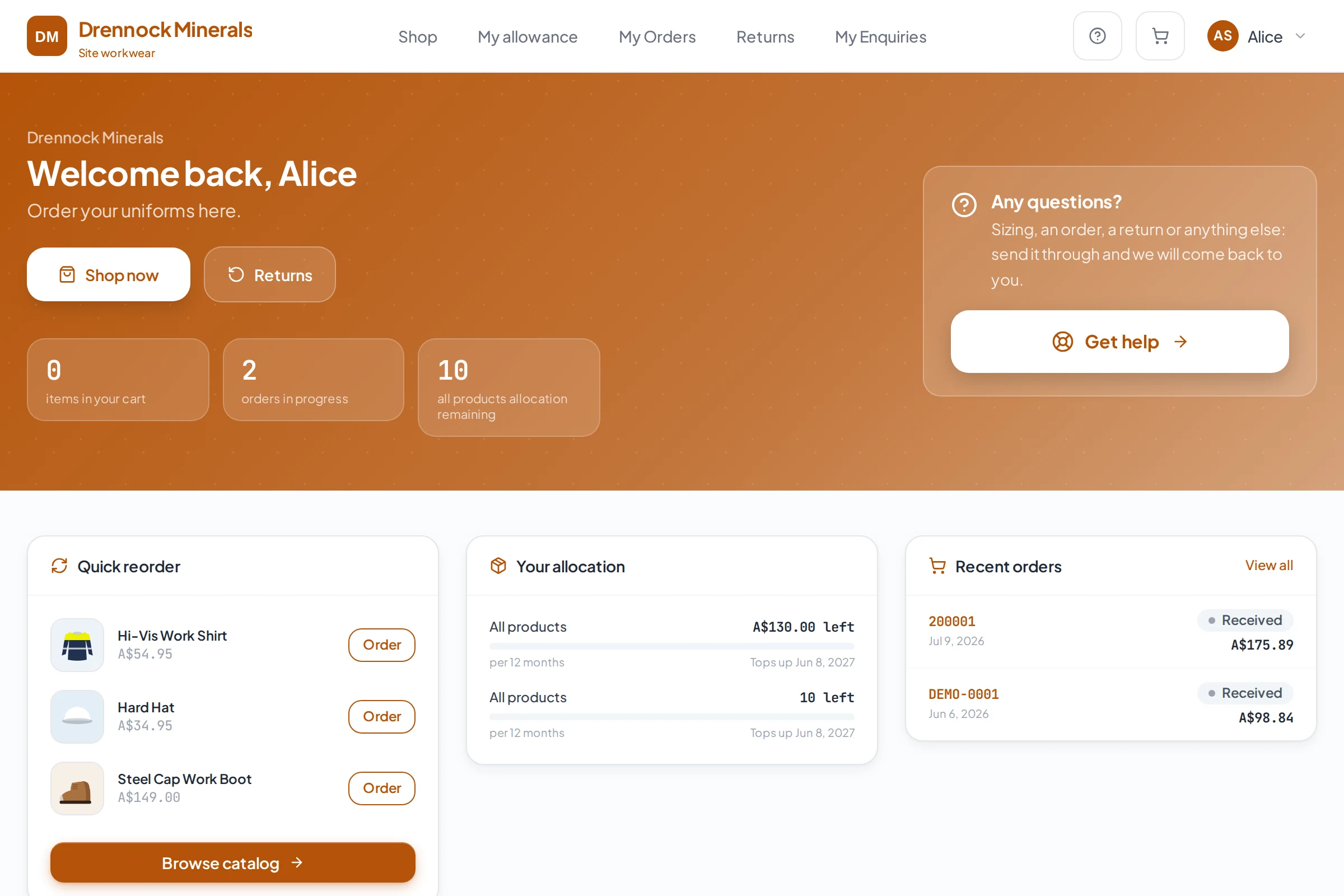
What their portal looks like
- A role decides the approved range, not a memory
- Stock tracked by size, with an alert before it runs out
- Approval per site, only where it's wanted
- On account, invoiced through Xero
Before and after
Today a new starter's kit is a list in an email. Here the role decides the range, so staff only order what their role allows.
Frequently asked
Can we stop people ordering outside their approved range?
Yes. A role controls exactly which products a person can see and order, so a Site Supervisor can have the hi-vis range while an office role simply does not see it.
Will we know before we run out of a size?
Yes. Stock is tracked by size, and a low-stock threshold you set for each product raises an alert before it runs out.
Can one site require approval and another not?
Yes. Manager approval for orders can be switched on per site, so it applies only where a site wants that extra step.
Can allowances be in dollars instead of item counts?
Yes. Allowances can be set in dollars or in item counts, per role or per person, with an initial issue and a scheduled top-up.
What does pricing look like?
Pricing depends on how your business is set up, so it is quoted after a conversation rather than published as a number.
Built the same way for every kind of client
See it set up the way your clients order.
Tell us who you supply and how orders reach you today. We will walk you through a portal set up the way your clients order.